Dithered Sticker Art
I am not particularly artistic. Nonetheless, I can try, and one aspect I have found enjoyable is creating artwork by abstracting photographs. It was something we did in school once, and in 2019 I decided to have another go, but in a more formulaic way.
The original plan converted a photo into a piece of art where the pixels were represented by push pins. Unfortunately, it would have been a relatively expensive piece of art with push pins even if I sourced them from Alibaba. Instead, I compromised on dot stickers of different colours.
The starting photograph, I decided, was one of my parents’ Border terriers standing in her characteristic pose. 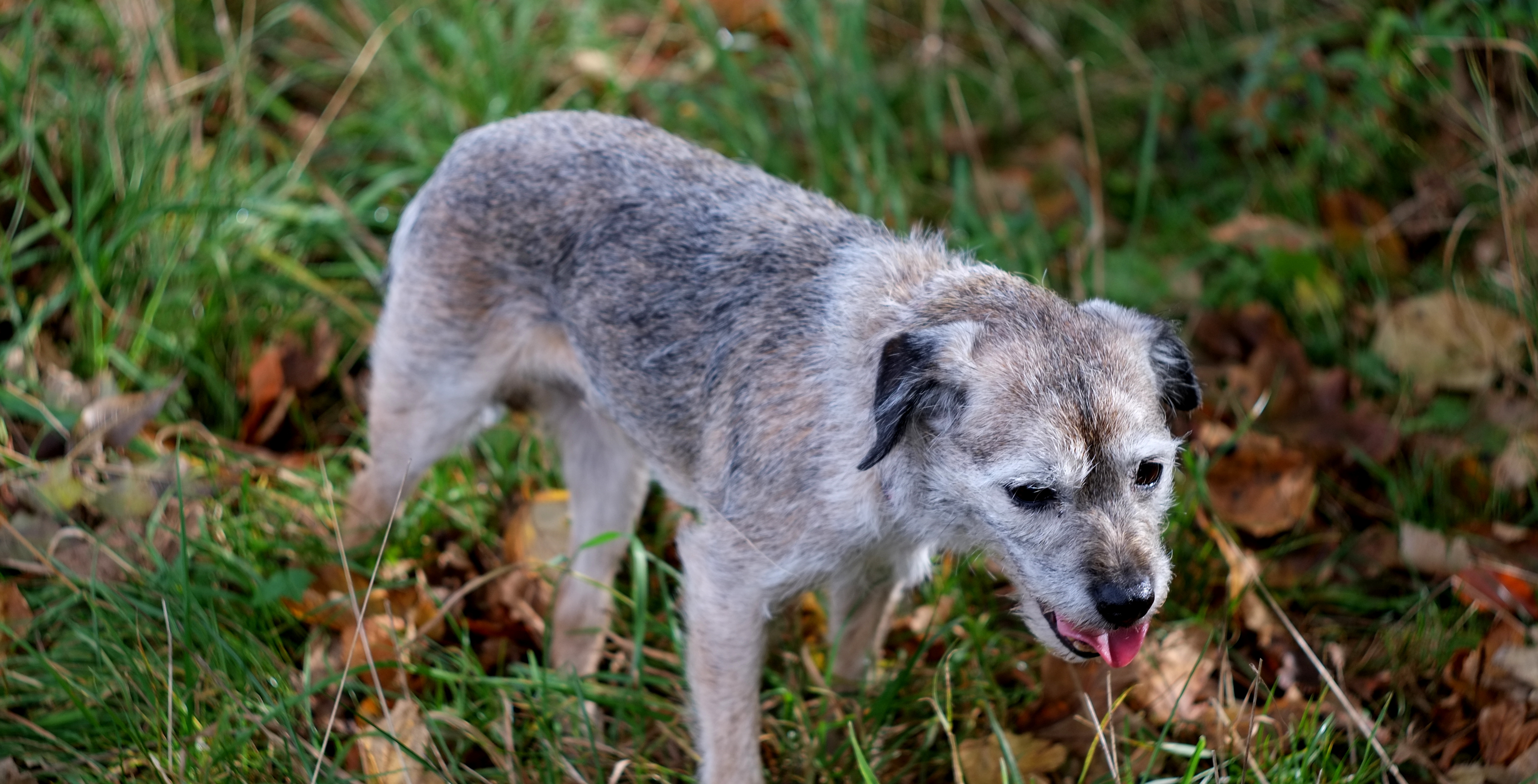
The colours available were set by the stickers that I could easily buy. 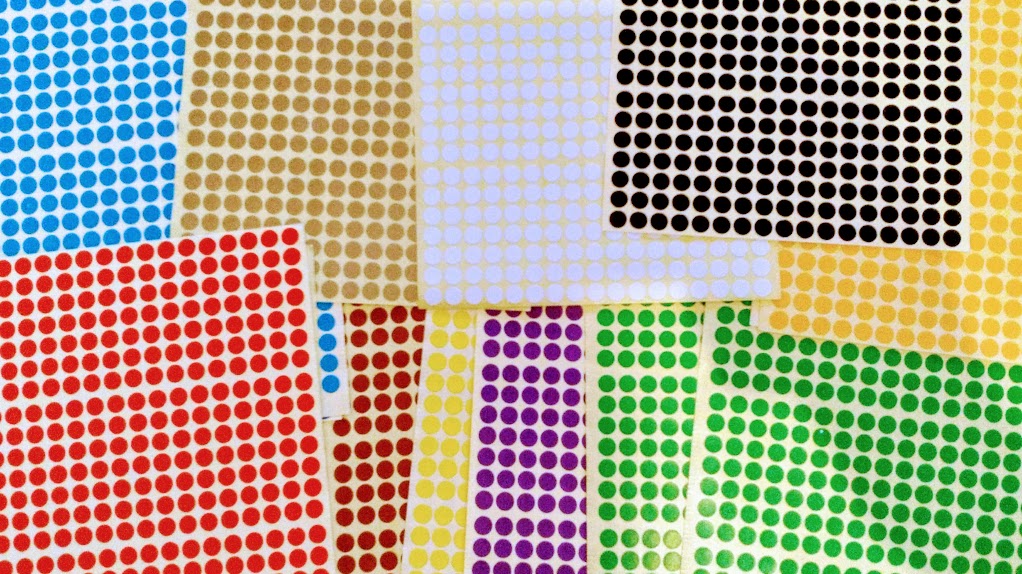
My initial naive attempt was to reduce the resolution of the image to the target resolution and to set each pixel to be the closest colour defined by a cartesian distance in RGB space. The pseudo-code is something like
colours = [r1,g1,b1; r2,g2,b2]
minDist = inf
pixel = [r,g,b]
for col in colours:
    dist = (r-col.r)**2 +(g-col.g)**2 +(g-col.g)**2
    if dist < minDist:
        minDist = dist
        finalColour = col
This does something. But probably isn’t the best we can do. 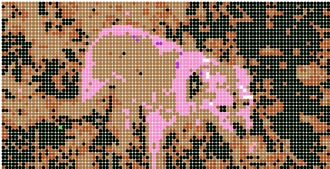
Some research and I discovered the world of dithering. Back in the days of 8-bit images (before the days of more memory and higher CPU speeds) there was a lot of research into this. The essence of it is to distribute the error to nearby pixels.
Wikipedia has some pseudo-code and I’ve added some comments
for each y from top to bottom do
    for each x from left to right do
        oldpixel := pixel[x][y]
        # select the closest colour to the given pixel
        newpixel := find_closest_palette_color(oldpixel)

        pixel[x][y] := newpixel
        # calculate the error between the new pixel and old pixel
        quant_error := oldpixel - newpixel

        # distribute the error to neighbouring pixels
        pixel[x + 1][y    ] := pixel[x + 1][y    ] + quant_error × 7 / 16
        pixel[x - 1][y + 1] := pixel[x - 1][y + 1] + quant_error × 3 / 16
        pixel[x    ][y + 1] := pixel[x    ][y + 1] + quant_error × 5 / 16
        pixel[x + 1][y + 1] := pixel[x + 1][y + 1] + quant_error × 1 / 16
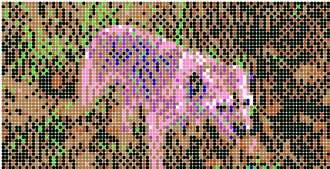
It’s an improvement. So I wrote a bit of Javascript to generate a PDF that would print a guide to where to place the stickers and spent a morning filling it in. I managed to pap this shot of dog+art when back at home. 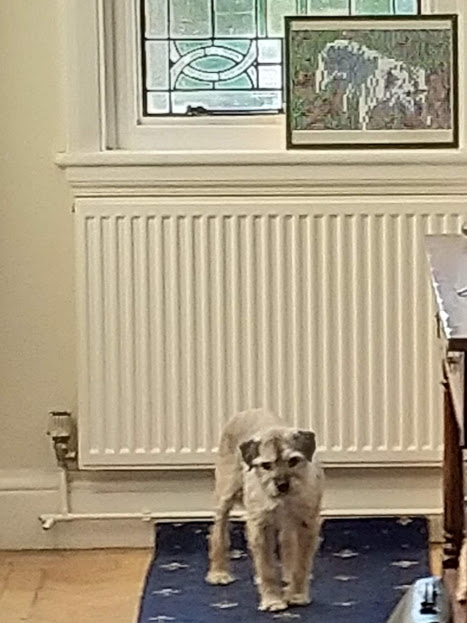
If you want to try generating your own image, then I made a simple firebase app that lets you upload an image and, if you like it, generate the PDF for an A3, A2, or A1 paper size project depending on your ambition. You can find that app here. Good images at the A3 size are especially difficult to find due to the extremely low resolution.